ITSI

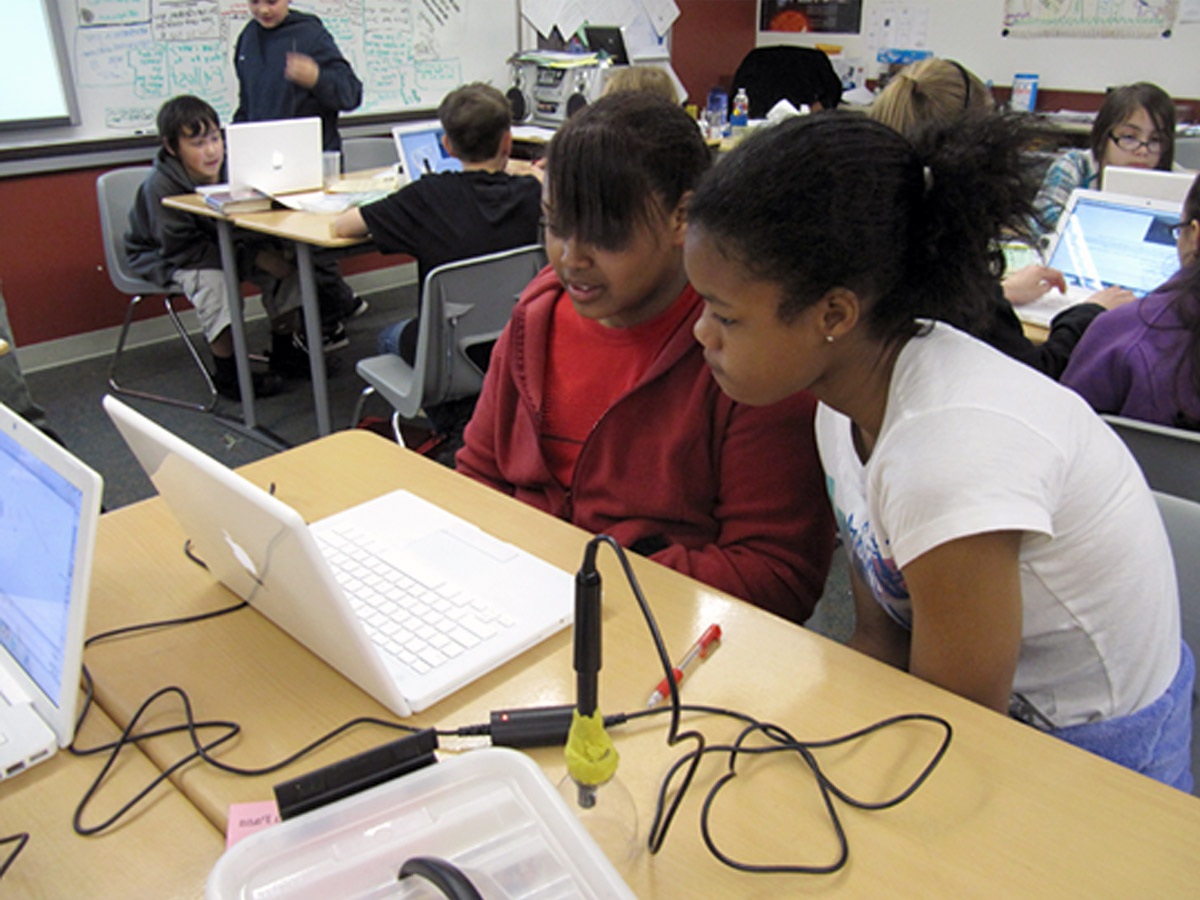
Information Technology In Science Inquiry (ITSI): Probes and Models Across the Curriculum is a comprehensive ITEST project for middle and high school teachers. In ITSI we're preparing diverse middle and high school students for careers in information technologies by providing their teachers with exciting, inquiry-based science projects that use computational models and real-time data acquisition.

This comprehensive ITEST project for middle and high school teachers prepares diverse middle and high school students for careers in information technologies by providing their teachers with exciting, inquiry-based science projects that use computational models and real-time data acquisition.

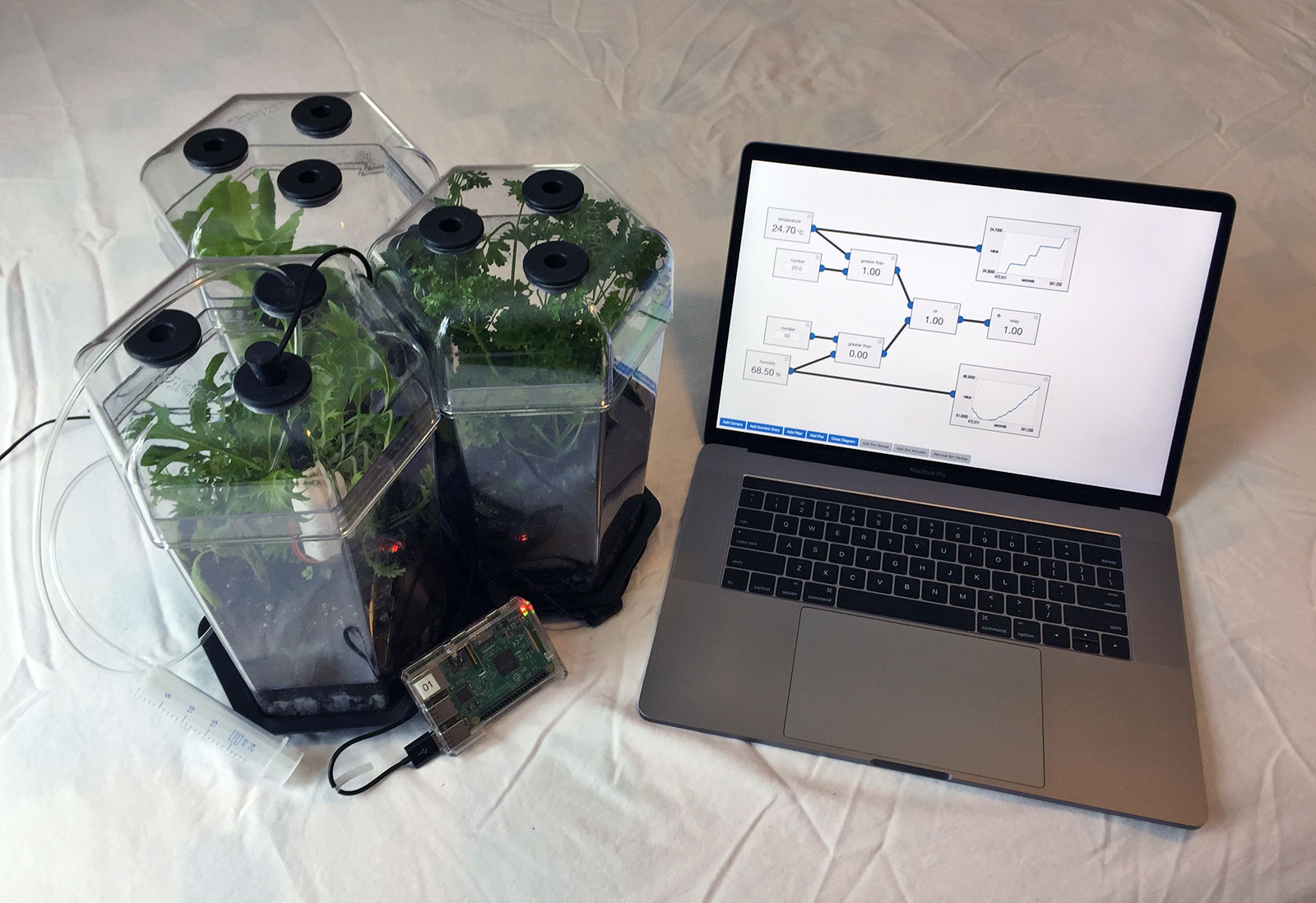
Participants learn basic electronics and design skills that will enable their students to install, configure, and use a wide range of sensors. They also learn to teach students to use, modify, and create computational models. The skills students learn will greatly enhance their ability to undertake investigations while giving a solid foundation for IT-based careers in programming, computer hardware, and software engineering.

Principal Investigator

Carolyn Staudt

Project Inquiries

cstaudt@concord.org

Share This


How many times does a science teacher try implementing a new technology, then goes back to their old way of instructing because they don\'t feel competent to use the new technology or confident that the technology will work? With ITSI, every participating teacher has successfully implemented lessons they have written that use probes and models. 100%.

— Carol Williamson, ITSI site coordinator

National Science Foundation (NSF) Logo

This material is based upon work supported by the National Science Foundation under Grant No. ESI-0624718. Any opinions, findings, and conclusions or recommendations expressed in this material are those of the author(s) and do not necessarily reflect the views of the National Science Foundation.

Every teacher is asked to implement two ITSI activities that each requires a day or two of class time. The activity is selected from the growing ITSI collection that consists of hundreds of activities. While not required, most teachers customize existing activities, creating new versions that they have reason to believe are better for their students. Hundreds of new activities have been generated in this way.

The electronic format also gives us detailed data about the extent and quality of teacher customization. There are currently over 1,500 activity titles in the ITSI database. Of those, curriculum developers at the Concord Consortium (CC) created 180, while teachers created around an additional 500, far more than we anticipated. Teachers customized activities made at CC, as well as those made by other teachers. Many of the customizations were not intended for student use because they were created as a way of learning the technology. On the other hand, over 90 activities were partly or completely original, having new objectives or inquiry tasks. When we examined a sample of these, we found that the changes appeared to be thoughtful and are likely to represent significant improvements.

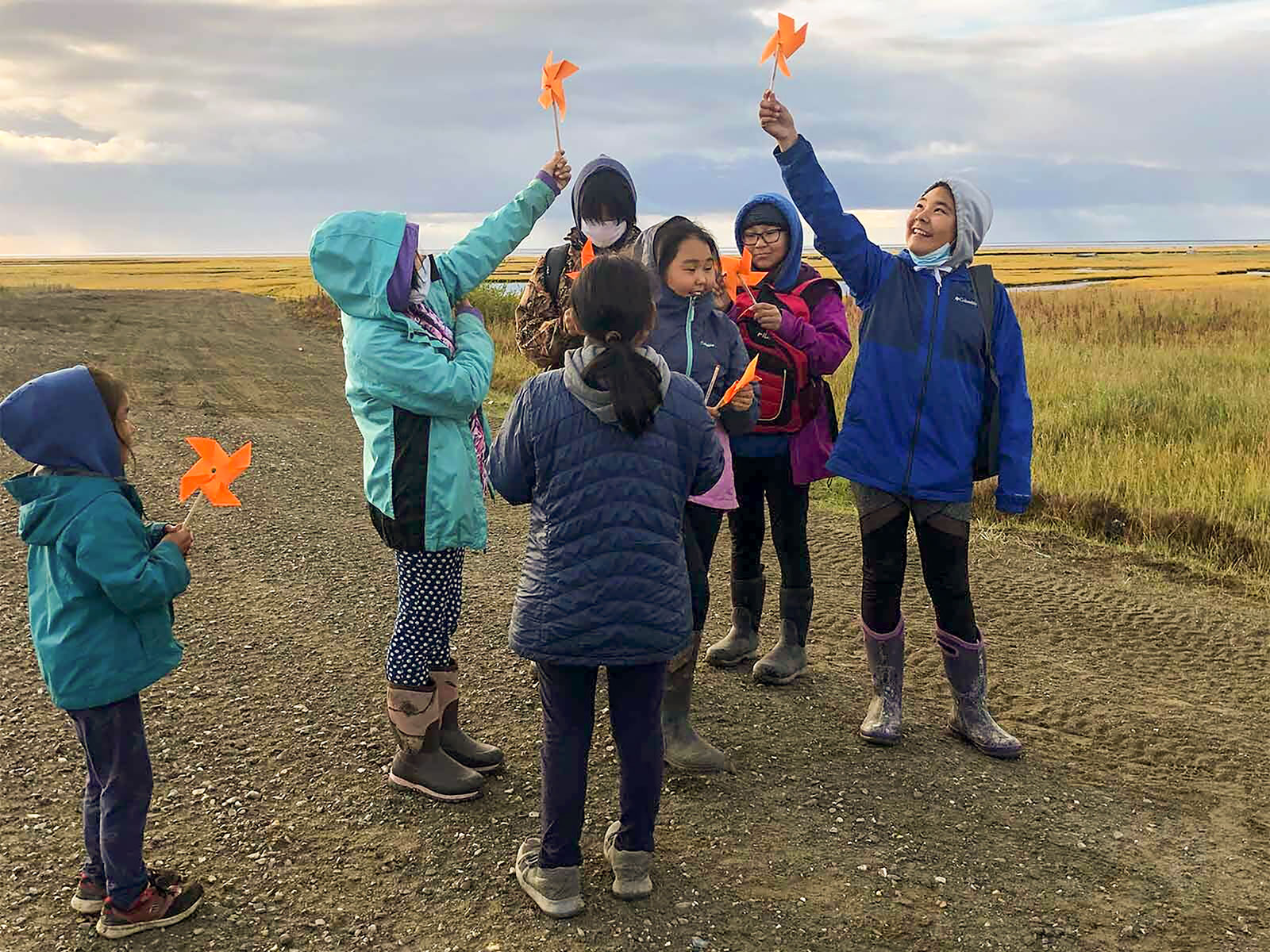
In the Fall of 2009, CC was awarded the Innovative Technology in Science Inquiry: Scale-Up (ITSI-SU). We are delighted at the prospect of scaling both up and out by establishing four ITSI Centers (Alaska, Kansas, Virginia, and Iowa) and including materials for grades 3-6. The proposed project seeks to launch a fee-based service that can continue the ITSI project. ITSI-SU will certify 25 ITSI-SU trainers who can offer the ITSI program to an estimated 1,500 teachers in schools nationwide.

Most educational software used in science has proven difficult to use; each application requires teachers to learn a new environment and then figure out how to integrate its capacity into learning activities. ITSI takes a better approach, providing complete student materials in the form of electronic activities. At its core, each ITSI activity uses a powerful tool that students can use to explore real and virtual environments. But each tool is embedded in an activity that structures the learning, presents motivational and background material, and provides student assessment and progress monitoring. The result is learning material based on inquiry that is easy to implement. To get a taste of the ITSI approach, the reader is urged to browse the approximately 200 student activities already developed for secondary and middle school students.

The ITSI project has pulled together materials from various sources and integrated them into a common format available in one place. We have drawn from several NSF projects at the Concord Consortium. One source is our work with probes and sensors, which has resulted in software that can generate real-time data from a wide range of sensors. Another source is hundreds of models built using two powerful modeling environments: the Molecular Workbench, which models events at the molecular level and BioLogica, a genetics and evolution simulation engine. We have also included materials from other research groups such as NetLogo, which can be used to model a very wide range of systems, plus many of the impressive Physics Education Technology (PhET) models. As more tools and simulations become available, we fold them into this growing collection of software resources and interconnect them to create even more environments for learning.

ITEST Activities and Topics

 Download the PDF version of this page to print

Middle School

COURSE M/P R/D Status TOPIC ACTIVITY MODEL/PROBE INVESTIGATE…
Earth
Science
M RM C Minerals Intro to Crystals MW model The effect of heating and cooling on crystals
  M RM CT The Atmosphere Global Warming NetLogo model The Greenhouse Effect
  P R CT Phase change TEEMSS Water Cycle Humidity and temp probes Phase change at the atomic scale
  P R P Heat and temperature Cooling curves Temperature probe Temperature as heat is extracted during cooling
  M D P Planetary systems Model the planets NetLogo model Orbits around the sun
  P D P Weather Measure weather Temp, humidity, pressure The physical effects of weather
Physical
Science
M RM CT Thermodynamics Heat & Temperature TELS Model and probe Heating and cooling of liquids
  M RM CT Phase change Phase Change MW model Boiling in the kitchen
  P R CT Sound TEEMSS Sound Unit Built-in mic The properties of sound
  P R CT Kinematics TEEMSS Motion Unit Motion detector Graphs of various motions
  M DM P Diffusion Diffusion Models MW model Diffusion and osmosis
  P D P Energy conversions Energy converstion Various The ways that various forms of energy are exchanged
Life
Science
M RM C Macromolecules Tree of Life MW model The function of different kinds of molecules
  M R CT Genetics Simple Inheritance TELS BioLogica™ model Inheritance of dragons
  P R CT Plant respiration Monitoring a plant Humidity and light probes The relationship between light and oxygen.
  P R P Human physiology The Human Response Temp and voltage probes Breathing, ECG, and skin conductivity changes
  M DM P Population Growth Populations NetLogo model Various population and predation models
  P D CT Ecosystems Design a greenhouse Various sensors A working greenhouse model


High School

COURSE M/P R/D Status TOPIC ACTIVITY MODEL/PROBE INVESTIGATE…
Physics M R CT Kinematics Airbags TELS Dynamica model Collisions and the role of airbags
  M RM CT Electricity I, V, and R TELS MW model The atomic representation of current
  P R CT Dynamics Air Cart Motion detector The acceleration of an air cart.
  P RM P Waves Sound waves Microphones Wave properties of sound
  M DM P Light-matter Interactions Light and matter MW model Energy levels and light spectra
  P D   Magnetism Magnetic Fields Hall effect sensor Magnetic fields near magnetics and wires
Chemistry M RM CT Phase Change Global Warming TELS MW model Reactions in the atmosphere
  M RM CT Chemical Reactions Stoichiometry TELS MW model Atomic connections to stoichiometry
  P R CT Acid-base Chemistry Instrumented titration pH probe pH during a titration
  P R   Reaction Kinetics Manganate reduction light probe The effect of pH on MnO3 reduction
  M DM CT Solutions Model dissolving MW model A model of dissolving
  P D P Heats of Reaction Heats of Reactions Temperature sensor Temperature changes during reactions and phase change
Biology M RM CT Protein Form & Function Protein structure MW model DNA sequences and the shape of protiens
  M R CT Population Genetics Evolution BioLogica™ model Natural selection and evolution
  P   P Homeostatis Body Temperature Fast response temp probe Body temperature under various conditions
  P     Photosynthesis Light and energy pH and nitrate sensors Chemical changes in photosynthesis
  M DM P Population Growth Populations NetLogo model Various population and predation models
  P DM P Ecosystems Field measurements Various sensors Indicators of ecosystem health


Legend:

M=Uses models
P=Uses probes

R=Activity will be ready to use
M=Easily modified
D=Activity will be "Do-it-yourself"

C=Completed
T=Tested in classrooms
P=Partly developed

The project relies heavily on experts in staff development at the district level using a trainer-of-trainers model. We have found that expert staff developers in science can quickly learn to use the ITSI system and approach and then design and deliver effective professional development for teachers in their districts. When they first offer their workshops in the district, we supply additional staff to provide technical and curriculum support. But we make it clear that the district staff developers “own“ the workshops and that CC staff are there to assist.

For Teachers

Help Contents


Four steps to Getting Started

1. Sign up

To make full use of the Portal, you need to create an account. Or, if you just want to try the activities, click the link to View our unit previews.

To create a new account, click the link to Sign up as a teacher.

  1. Enter your name, email address, and password.
  2. Choose your school from the list. If your school is not listed, select “Other“ and add the required information about your school (name, address, and so on).
  3. Click “Continue.“
2. Add class

You’ll need to complete two fields when you add a class:

  • Class name: Create a name for your class (e.g., Science Period 2 or Science Grade 5).
  • Sign-up word: Your students will use this word to sign up in this class. All students in your class will use the same word, which allows them to be directly registered into your class. Students use this word only if they will register themselves. Note: the class word must be unique in the system (e.g., pickle, plasma).

Click the button titled “Save this Class.“

3. Select activities

It’s time to select various activities associated with your class. You may choose from any of the available activities.

When your students log in, they will now see only the units you selected.

After you’ve selected one or more units for your students, click the button titled “Save this Class.“

You can preview what your students will see by going back to the home page, selecting the class that you’re interested in, and clicking this icon: list

4. Add students

Now that you’ve created a class and selected the activities for your students, you need to add students to your class. Return to your home page.

Click the Add a new student link, and enter the following information for the first student on your list.

  • First name
  • Last name
  • Password – must be at least 4 characters long.
  • Class – select the class from the list
  • Interface – choose between Vernier Go!link and Vernier LabPro

After entering one student, you can:

  • Add another new student
  • View the roster for this student's class
  • Edit this student
  • Return to your home page

Continue to add students one at a time until you’ve completed your class roster.

You can then view the class roster to confirm you’ve entered all your students.

Tip: print the class roster page, which shows all student passwords. You can tell each student his/her username and password.

Return to Top


Portal for your students

Have your students access the Portal by going to this website.

Because you added students, they do not need to sign up as first-time users. They can immediately log in with their username and passwords (use the class roster to give each student his/her information). Note: usernames and passwords are not case-sensitive.

Running activities

When students run an activity from the Portal, a Java window will pop up.

Students should choose to open the file.

Depending on the connection speed, it may take anywhere from a few seconds to a couple minutes for the activity to open.

Saving data

Student data is saved when a student closes an activity. They do not need to click any special button!

Reviewing student work

When you sign in as a teacher, you have access to viewing student progress for the whole class or for an individual student. You can see individual students’ responses by clicking this icon: work

Return to Top


A few extras

Features and Icons

The Portal allows you to do several different things – from adding classes and students to viewing reports.

These different features are available by clicking various icons. To learn about these icons, expand the icon legend in the upper-right corner of the Portal home page by clicking the plus (+) symbol. Close it by clicking the minus (-) symbol. Or hold your mouse over an icon to read the short description.

Sign-outs

When you’re signed in to the Portal, you’ll notice on the left below your name that there is an option to “Sign out.“ This is important if you’ve signed in on a student’s computer, for instance, but don’t want that student to have your access. In that case, be sure to sign out.

Sign out after your work session.

Changing your information

You can change your name, email address, or password.

You can also change your probe interface (by default the Vernier Go!Link is selected).

Return to Contents


If you need additional assistance or have a question that has not been answered here, please contact webmaster@concord.org

Interactive and Video Demonstrations

The following video and interactive demonstrations will help you get to know the above pieces of technology:

Please note: The following videos require the Flash Player installed and enabled on your computer. You can download the Flash Player from Adobe.

General Demos
  • Overview - A quick overview of how the system works
  • Introduction - An introduction to the portal and its activities
  • Sign up - How students and teachers can sign up to use the portal
  • Student Work - This video demonstrates how students save their work and how teachers can then view it later.
  • Activities - Creating and Editing your own activities
Tool Help
Molecular Workbench Demos